
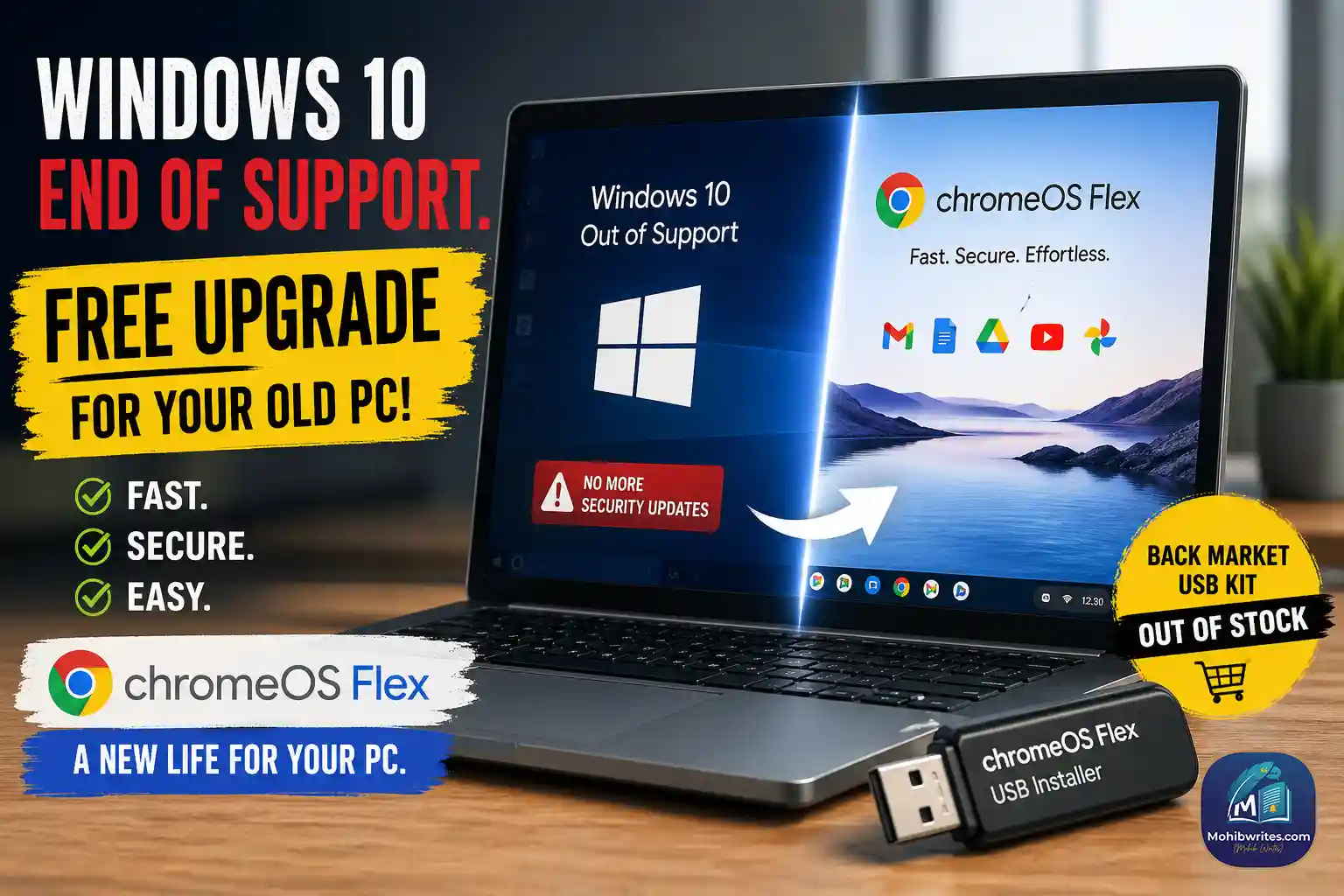
ChromeOS Flex for Windows 10 PCs: the free fix worth knowing
As of April 2026, ChromeOS Flex for Windows 10 PCs is Google’s cleanest escape route for aging hardware that can’t move to Windows 11. Microsoft says Windows 10 reached end of support on October 14, 2025, and Google says ChromeOS Flex can be installed on Windows, Mac, or Linux devices as long as the machine fits the supported hardware profile.
The appeal is simple. Instead of throwing money at a new laptop, you can turn an old PC into a browser-first machine that is easier to manage, lighter to run, and built around cloud apps. That’s exactly why this story matters now: Microsoft’s supported path is Windows 11, but many older PCs miss the minimum requirements, including TPM 2.0, Secure Boot, 4 GB RAM, and 64 GB of storage.
What Google is actually offering
ChromeOS Flex is not a Windows patch. It is a replacement operating system designed to give older devices a second life. Google says certified models are individually tested and maintained, and it also notes that ChromeOS Flex may work on non-certified devices, but performance, functionality, and stability are not guaranteed.
That distinction matters. A machine that still runs but feels slow on Windows can often feel usable again when the workload is mostly email, docs, video calls, streaming, and web apps. In practice, that is where ChromeOS Flex earns its keep. It is not trying to be a gaming rig or a heavy creative workstation. It is trying to stop a perfectly decent laptop from becoming e-waste.
Why this is showing up now
Microsoft has been blunt about the situation: Windows 10 is finished, and unsupported machines no longer receive software updates, security fixes, or technical assistance. Microsoft also says the free Windows 11 upgrade is only available to Windows 10 PCs that meet the minimum hardware specifications. For machines that do not, Microsoft points users toward ESU or a new device.
Google’s answer is different. It does not ask you to buy a whole new laptop. It asks a more practical question: does this hardware still have enough life left for browser-based work? If the answer is yes, ChromeOS Flex becomes a very attractive reset button.
What you need before you try it
Data point: Google says ChromeOS Flex installation needs a target device with Intel or AMD x86-64 architecture, 4 GB RAM, and 16 GB of internal storage. To create the installer, you need a separate device and a USB drive with 8 GB or more.
Minimum checklist
- A Windows, Mac, or Linux machine to create the installer.
- An 8 GB+ USB drive for the installer.
- A target PC with x86-64 Intel or AMD hardware, 4 GB RAM, and 16 GB storage.
- A certified model, or at least a device you are willing to test knowing Google does not guarantee non-certified results.
How the upgrade works
Google’s official install flow is straightforward: create the USB installer, boot the device from USB, then install ChromeOS Flex. Google recommends the Chromebook Recovery Utility for Windows or Mac users, and its help docs walk through the process step by step.
The basic flow
- Check whether your device is on Google’s certified models list.
- Create the USB installer with the Chromebook Recovery Utility or Google’s download route.
- Boot the target PC from the USB drive and follow the install prompts.
- Finish setup, sign in, and move your browser-first workflow over.
What to do when the Back Market kit is out of stock
Back Market’s ChromeOS Flex USB kit is currently listed as out of stock, but the company says you can still install ChromeOS Flex on your own. Its guide also confirms the Google partnership that made the USB kits more accessible in the first place.
That means the convenience option is unavailable right now, but the core option is still alive. If you are comfortable making your own installer, you do not have to wait for a restock email to revive the machine.
My take: who should use this
If a PC is already living in the browser, this is a smart move. If you mainly need email, Google Workspace, Microsoft 365 web apps, streaming, light admin work, and classroom or family use, ChromeOS Flex is worth serious attention. If you need desktop-only Windows software, specialized drivers, or heavy creative apps, it is the wrong tool. That part is not glamorous, but it is the truth.
What I’ve seen work best is the “good enough hardware, wrong operating system” case. Those are the machines that feel slow, noisy, and outdated on Windows, yet still have plenty of life left in them. ChromeOS Flex does not magically turn old silicon into a new laptop. It does, however, make an older one useful again. That’s a real win.
The bigger lesson is even simpler: don’t retire a machine just because Windows 10 has. Check the hardware, check the certified list, and decide based on actual use instead of fear. That is the more honest upgrade conversation.
if your Windows 10 PC missed the Windows 11 cut, ChromeOS Flex is one of the best free alternatives available right now. It is not for every workflow, but for the right machine, it is the fastest path from “obsolete” to “useful.”