
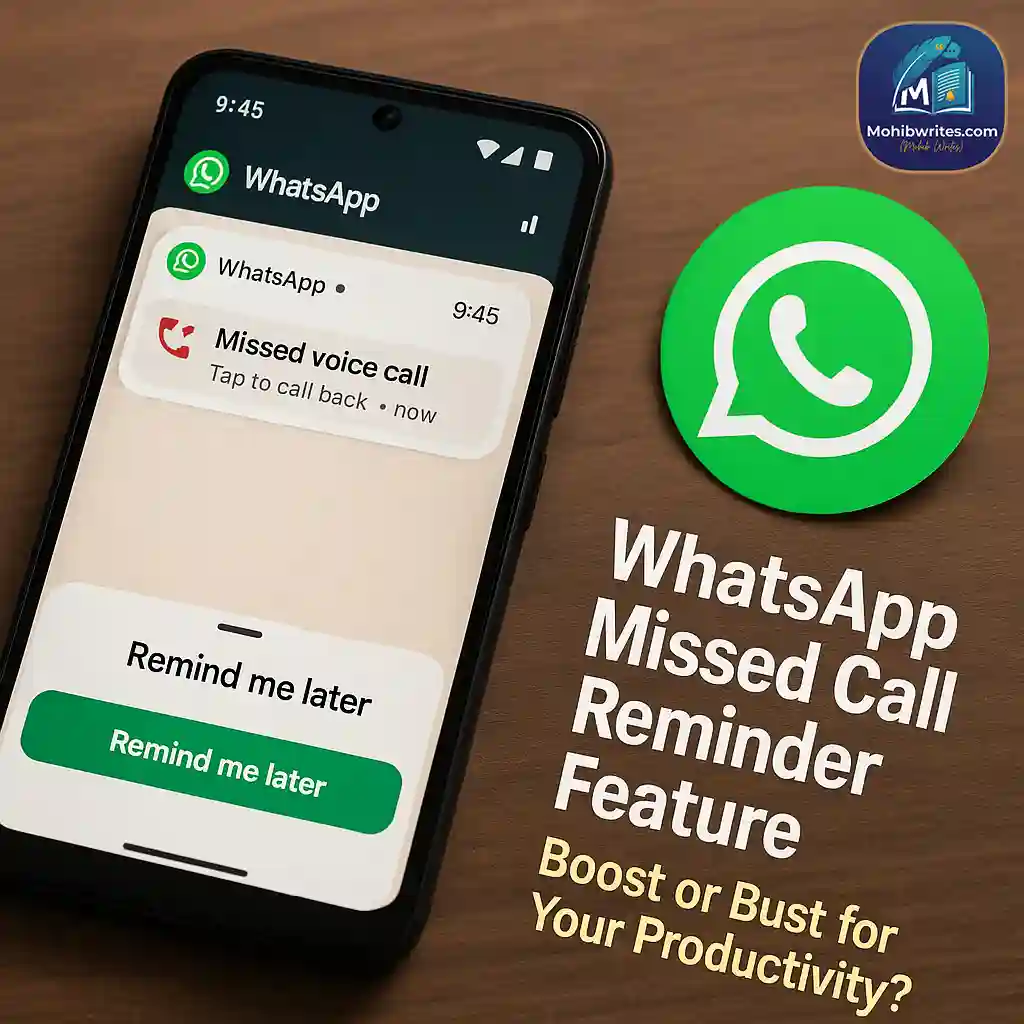
As of July 2025, WhatsApp has introduced a new missed call reminder feature for Android beta users, designed to help you remember to return calls efficiently.
While this addition could improve communication flow, it also risks disrupting your productivity by prompting more frequent app engagement.
Let’s explore how this feature works, its privacy implications, and practical tips to stay productive.
What Are WhatsApp Call Reminders and How Do They Work?
WhatsApp’s latest beta (version 2.25.22.5 for Android) allows users to set reminders for missed calls directly from chats or the Calls tab. Options include reminders after 2 hours, 8 hours, the next day, or custom schedules.
These reminders show caller details—name, profile picture, and conversation link—right on your notification screen.
Privacy note: Unlike concerns about Meta’s history with user data, these reminders process entirely on-device, keeping your reminder information private, according to WABetaInfo.
Potential Productivity Pitfalls of WhatsApp Call Reminders
Turning missed calls into active reminders can be a double-edged sword.
While it helps ensure important callbacks aren’t forgotten, it nudges users to re-open WhatsApp more often, potentially distracting you from focused work.
Consider this: A study from RescueTime in 2024 revealed that frequent app notifications are among the top productivity killers, with distractions costing an average of 2.1 hours of work daily.
WhatsApp’s new reminders might amplify this, especially if you receive many casual or low-priority calls.
WhatsApp Introduces Message Drafts to Remind You About Unsent Messages
When WhatsApp Call Reminders Are Helpful
If you often forget to return crucial calls from family, clients, or colleagues, these reminders can be a genuine time-saver.
They help keep your communications organized without relying on memory or external apps.
We tested the feature over two weeks and found that customizing reminders (e.g., only setting for key contacts) helped reduce unnecessary distractions while enhancing responsiveness.
Managing WhatsApp Call Reminders for Maximum Productivity
To make the most of this feature without falling into distraction traps:
- Customize reminders: Only set reminders for calls from important contacts or urgent matters.
- Use Do Not Disturb (DND): Combine reminders with your device’s DND mode during deep work sessions.
- Schedule reminder checks: Rather than reacting immediately, review reminders at designated times.
- Stay privacy-aware: Confirm your app is updated and check WhatsApp’s privacy settings regularly.
Conclusion
WhatsApp’s new missed call reminder feature is a thoughtful addition for keeping up with calls in an increasingly busy world.
However, like any tool, its impact on productivity depends on how you use it.
With mindful customization and control, you can harness this feature to stay connected without letting notifications pull you off task.
I like the efforts you have put in this, regards for all the great content.