
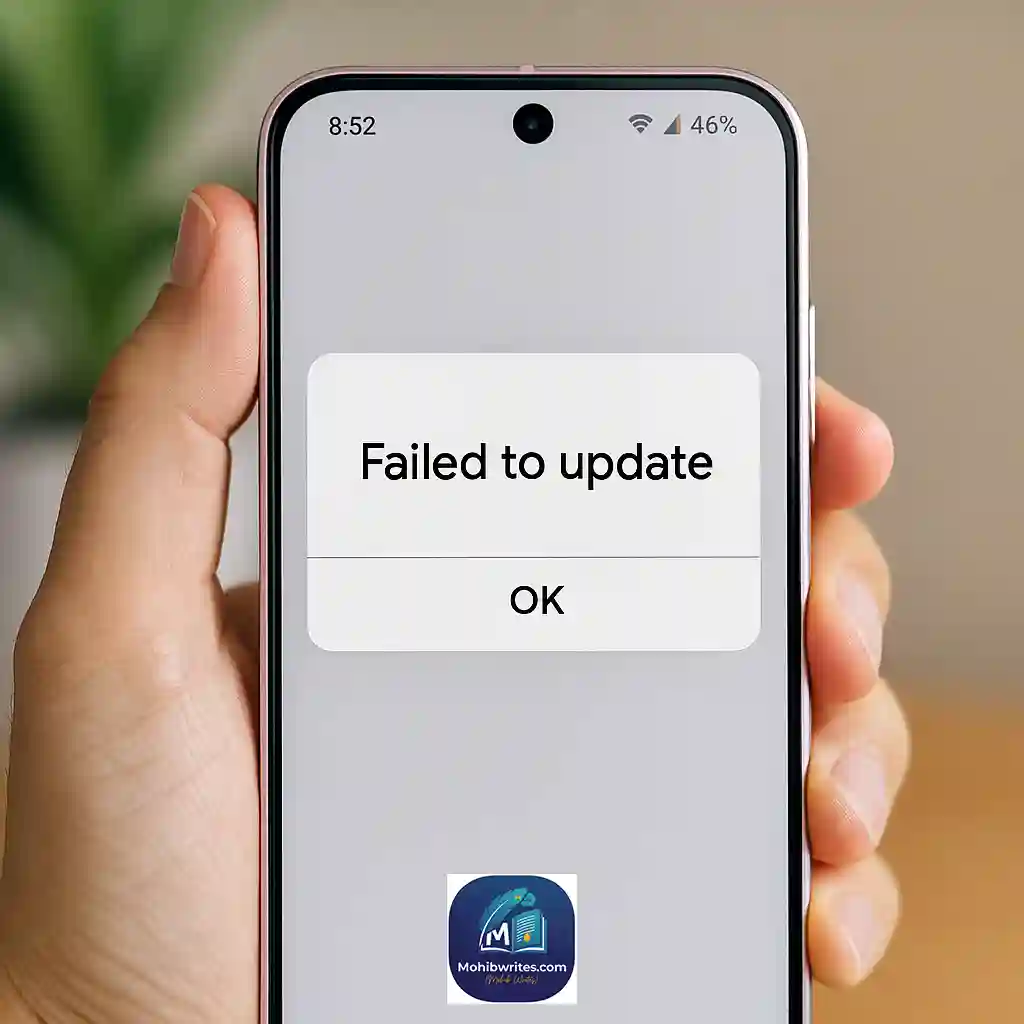
Google has confirmed a bug in Android 16 that causes Google Play System updates to fail, and a fix is on its way in a future update.
From day one, Android 16 users have been hit by a frustrating bug: tapping Google Play system update within Settings > Security & Privacy > System & updates results in a “Failed to update” error. Google now says the bug has been identified and will be resolved through a forthcoming Play System update.
What’s Going On?
Why Are Play System Updates Failing on Android 16?
Android 16’s architecture has compatibility issues with Google Play’s modular update system, especially on Pixel devices and QPR1 beta builds. [source]
Users report that updates download normally, stall around 15–20 %, then abort with no clear reason or workaround Reddit.
Who’s Affected
A broad range of devices running stable Android 16 and QPR1 beta builds have experienced this, most notably Pixel 6 series through Pixel 9a/9 Pro and Pixel Tablet users. [source]
Not every device is affected, but complaints are widespread across Pixel forums and Reddit.
What Google Says & Fix Timeline
Official statement: no need to factory reset your device. Google will deliver a fix in a future Google Play System update.
Published July 29–30, 2025, Google acknowledged the error and assured it’s working on a patch.
Exact roll-out date remains unspecified, but expected within days to a week as the July 2025 Play System updates roll out globally (version BP2A.250705.008). [source]
Troubleshooting Steps (What You Can Do Now)
Restart your device (may re-trigger a silent update).
Clear cache and storage for Google Play Services and Google Play Store.
Ensure you’re on the latest July Play System patch via Settings.
Avoid factory resets—they won’t help, per Google’s guidance Huawei Central.
Real-Time Context (As of July 2025)
Android 16 (codenamed “Baklava”) launched June 10, 2025, with Pixel devices first in line [source].
The July 2025 Play System firmware (BP2A.250705.008) started rolling out July 8–9 to Pixel 6a through Pixel 9 series and Pixel Tablet, adding security patches and connectivity fixes. [source]
Other post‑Android 16 bugs (e.g. lock‑screen wake‑ups) have also seen partial fixes in QPR beta updates. [source]
Conclusion
If you’re running Android 16 and stuck with a “Failed to update” Play System error, rest assured: Google has found a fix, and you do not need to factory reset your phone. In the meantime, reboot your device, clear app cache & storage as a temporary step, and make sure you’re running the July 2025 update (BP2A.250705.008). When Google’s hotfix arrives, installation should proceed normally.
Next Steps
Check: Open Settings → Security & Privacy → System & updates → Google Play system update regularly.
Clear: Cache & storage for Play Services/Store if errors persist.
Be patient: The official fix is imminent; no drastic action required.
Stay updated: We’ll publish an update once Google’s fix rolls out.
For the reason that the admin of this site is working, no uncertainty very quickly it will be renowned, due to its quality contents.