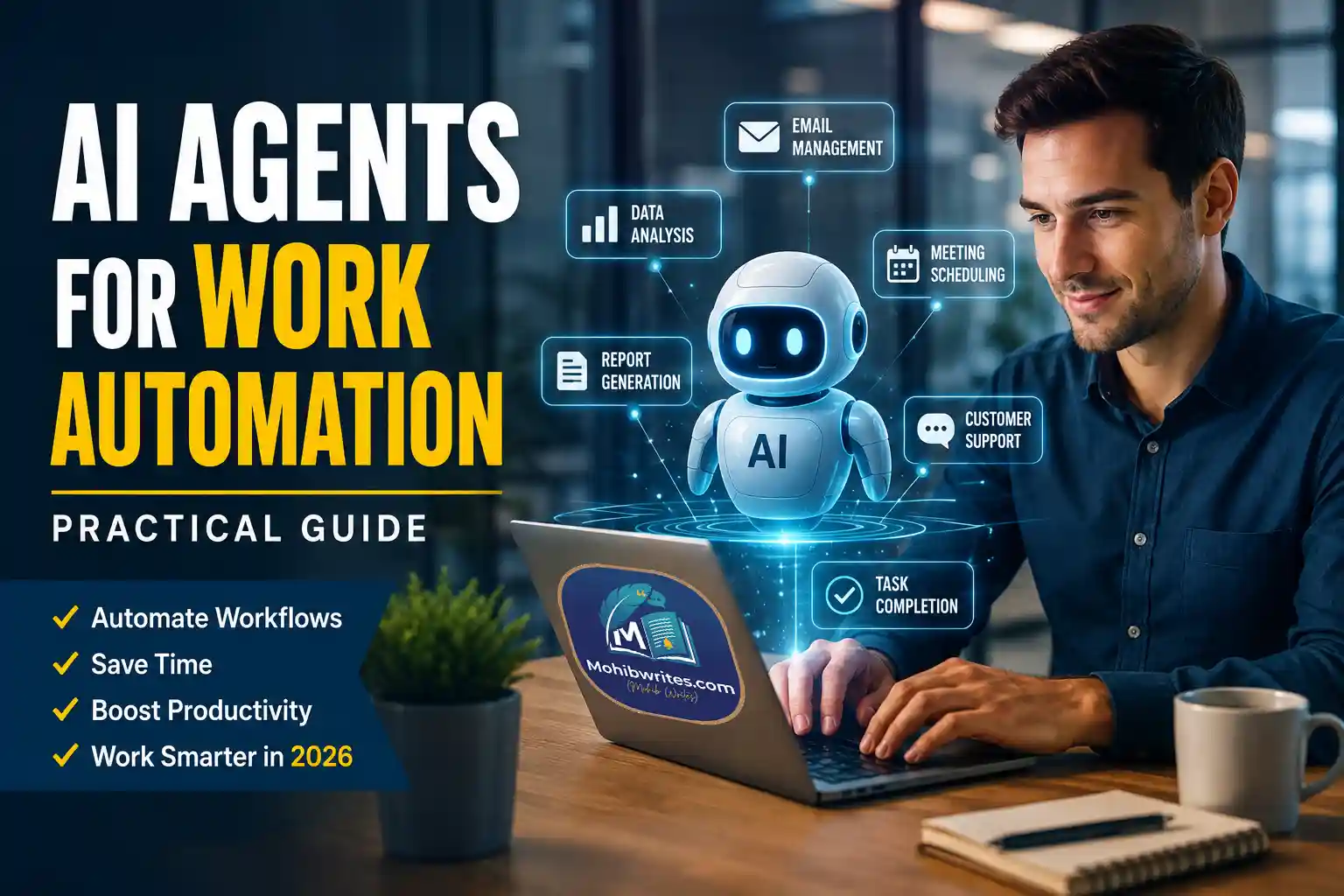
AI agents for work automation are software systems that can plan, use tools, and complete multi-step tasks with less human direction than traditional automation. The real opportunity is not “replacing work.” It is redesigning repetitive, fragmented workflows so people spend more time making decisions and less time moving information between apps.
What AI Agents Actually Do
An AI agent is different from a chatbot. A chatbot mainly responds. An agent acts toward a goal.
OpenAI describes agents as systems that “independently accomplish tasks on behalf of users,” supported by tools such as web search, file search, computer use, orchestration, and observability. IBM similarly frames AI agents around reasoning, planning, tool use, and acting within a defined environment.
In practical work settings, that means an agent might:
The best use cases are repeatable, rule-guided, and measurable. The weakest use cases are vague, high-risk, or dependent on judgment the organization has not clearly defined.
Why Work Automation Is Shifting Toward Agents
Traditional automation follows fixed rules: if this happens, do that. AI workflow automation is more flexible because agents can interpret unstructured information, choose tools, and adapt when a task changes.
That shift is now showing up in enterprise forecasts. Gartner predicted that 40% of enterprise applications will include task-specific AI agents by the end of 2026, up from less than 5% in 2025. Microsoft’s 2026 Work Trend Index, based on surveys of 20,000 workers and Microsoft 365 productivity signals, found that 49% of classified Copilot conversations supported cognitive work such as analysis, problem-solving, evaluation, and creative thinking.
The pattern is clear: organizations are not only automating clicks. They are trying to automate coordination, research, analysis, and follow-through.
Also: OpenAI Operator AI Agent: Features, Pricing & Global Automation | 2025 Guide
The Practical Adoption Model
Successful agent adoption usually starts small. A useful first agent should have a narrow job, trusted data access, clear boundaries, and a human review point.
A good rollout looks like this:
- Choose one workflow with visible friction.
- Map the exact trigger, inputs, decisions, systems, and output.
- Give the agent only the permissions it needs.
- Test on low-risk work before production use.
- Track accuracy, time saved, exception rate, and human corrections.
- Improve the workflow, not just the prompt.
This is where standards matter. Anthropic’s Model Context Protocol, introduced in 2024, aims to give AI systems a more consistent way to connect with data sources and business tools. That kind of interoperability is important because agents become more useful when they can safely reach the systems where work actually happens.
Risks Teams Should Not Ignore
AI agents can make work faster, but they also increase operational risk. A poorly governed agent can retrieve the wrong data, take the wrong action, expose sensitive information, or create plausible but inaccurate output at scale.
The Stanford AI Index notes that AI adoption is accelerating while governance and evaluation frameworks are struggling to keep pace. For businesses, that means agent projects need controls from the beginning: access limits, audit logs, approval gates, evaluation tests, fallback rules, and clear ownership.
The safest principle is simple: automate execution, not accountability. Humans should still own sensitive decisions, customer commitments, compliance outcomes, and final judgment.
Also: How Banks Can Boost Technology Speed and Productivity
Bottom Line
AI agents for work automation are most valuable when they remove repetitive coordination from well-understood workflows. They are not magic employees, and they should not be deployed as unsupervised decision-makers. Start with one measurable process, connect trusted tools carefully, keep humans in the loop, and build governance before scaling.
The teams that benefit most will not be the ones that use the most agents. They will be the ones that redesign work clearly enough for agents and humans to perform better together.
Read: 6 AI Trends You’ll See More of in 2026